Bulk QR Code Generator
Generate batches of QR codes by pasting line-separated text or columns copied from Excel and CSV. Customize center logos, colors, and download all as a ZIP file.
Bulk QR Code Generator
Generate multiple QR codes in bulk by pasting line-separated text or copying columns directly from Excel, CSV, or Google Sheets. All generation and ZIP packaging run entirely within your web browser, ensuring that confidential corporate URLs and internal serial numbers are never uploaded to an external server.
Customize your batch with uploaded center logos, tailored dot patterns, and color gradients. Export all files in a single ZIP archive with automated sequential numbering or custom filenames. Supports PNG, JPEG, WEBP, and scalable SVG vector formats for packaging, marketing collateral, and inventory labels.
Enter Text, URLs & File Names
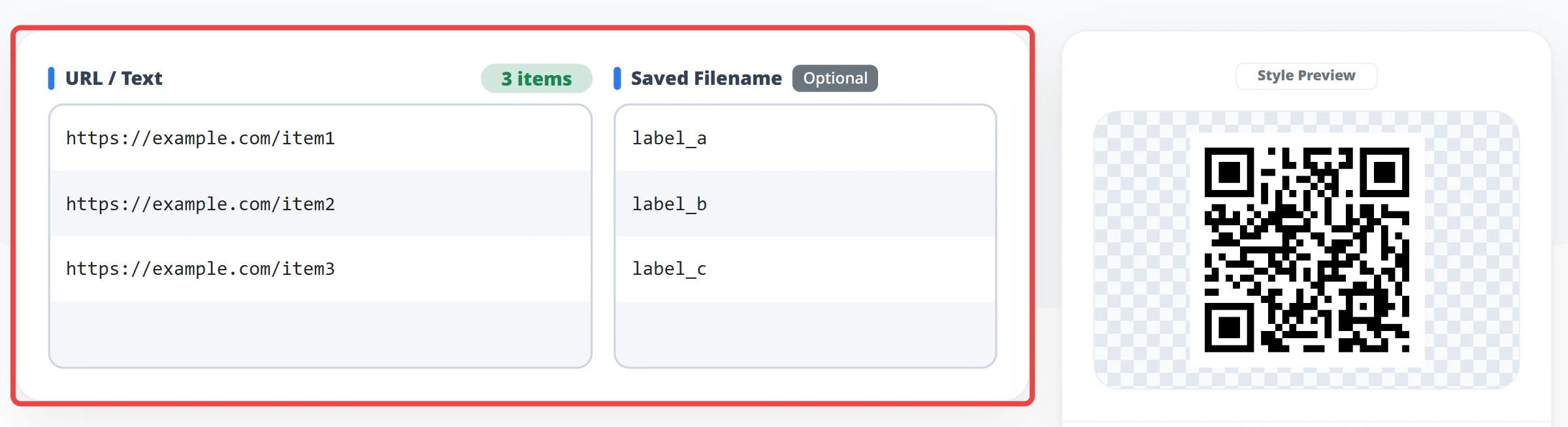
Enter line-separated text into the "URL or Text" input field, or paste columns copied from Excel or CSV. You can paste a single column, or copy two adjacent columns to populate both "URL or Text" and "Saved Filename" simultaneously.
Logo Settings & Preview
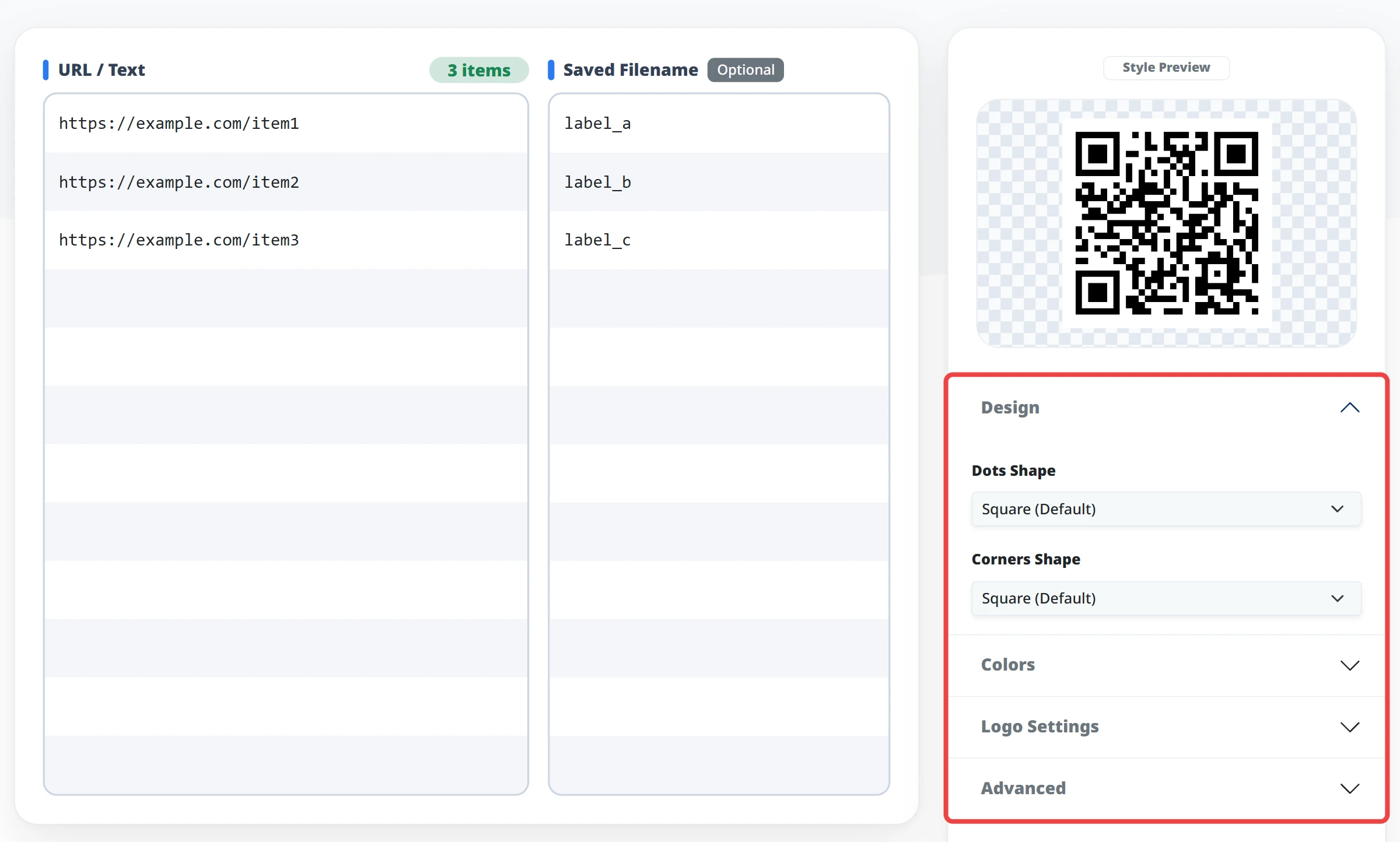
Choose dot patterns, configure colors, adjust error correction levels, or upload a center logo image. Your styling applies uniformly across all QR codes in the batch.
Generate & Download
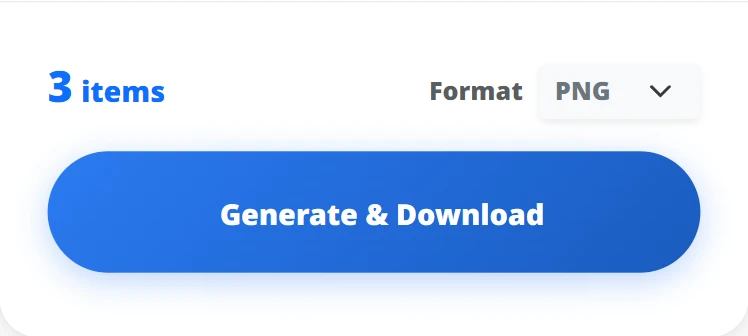
Select your export format (PNG, JPEG, WEBP, or SVG) and click "Generate & Download" to save all generated QR codes packaged into a single ZIP archive.
Batch QR Code Generation from Plain Text
Paste line-separated text or URL lists to create QR codes in bulk with no fixed quantity limit. Everything processes directly in your browser with no server uploads.
Copy & Paste Directly from Excel or CSV Columns
Copy columns directly from Excel, Google Sheets, or CSV files. You can paste a single data column, or copy two adjacent columns to populate both URLs and matching filenames simultaneously.
Center Logos, Custom Styling & Vector SVG Export
Upload a center logo, customize dot patterns, and select custom colors. Export your full batch in a single ZIP package as PNG or scalable SVG for high-resolution physical printing.
Excel & Spreadsheet Data Management
Paste item codes, product serial numbers, or URL columns from spreadsheets to generate QR codes with custom filenames or automated sequential numbering.
Asset Tags & Inventory Management Labels
Convert lists of internal hardware serials or office asset IDs into QR codes ready for sticker printing and inventory audits.
Multiple URLs & Mass Link Conversion
Paste plain-text URL lists (one per line) to batch-generate QR codes and download the entire collection in a single ZIP archive.
No-Install Workflows & Secure Enterprise Environments
Generate codes directly in your browser without desktop software downloads or administrator rights. Confidential internal URLs and serials are never sent to external servers.