Batch Image Resizer
Resize multiple images at once in your browser — no apps or installation needed.
Need to Resize Multiple Images at Once?
Batch resize photos and illustrations for free, right in your browser — no apps needed. Compatible with Windows, Mac, iPhone, and Android. Lock aspect ratios and choose from multiple resize modes.
Upload Images
Drag and drop the images you want to resize into the designated area, or select files from the "Select Images" button. You can select multiple image files at once.
Supports major image formats such as JPEG, PNG, WEBP, GIF, JFIF, and BMP.

Specify Resize Dimensions
Enter either the desired "Width (px)" or "Height (px)", or both. To resize while maintaining the aspect ratio, enter only one dimension or click the chain icon to "Lock Aspect Ratio". If you uploaded multiple images, the specified size will be applied to all of them in bulk. If you unlock the ratio, you can choose advanced modes like "Contain within bounds".
Check "Don't Enlarge" to only perform image shrinking.
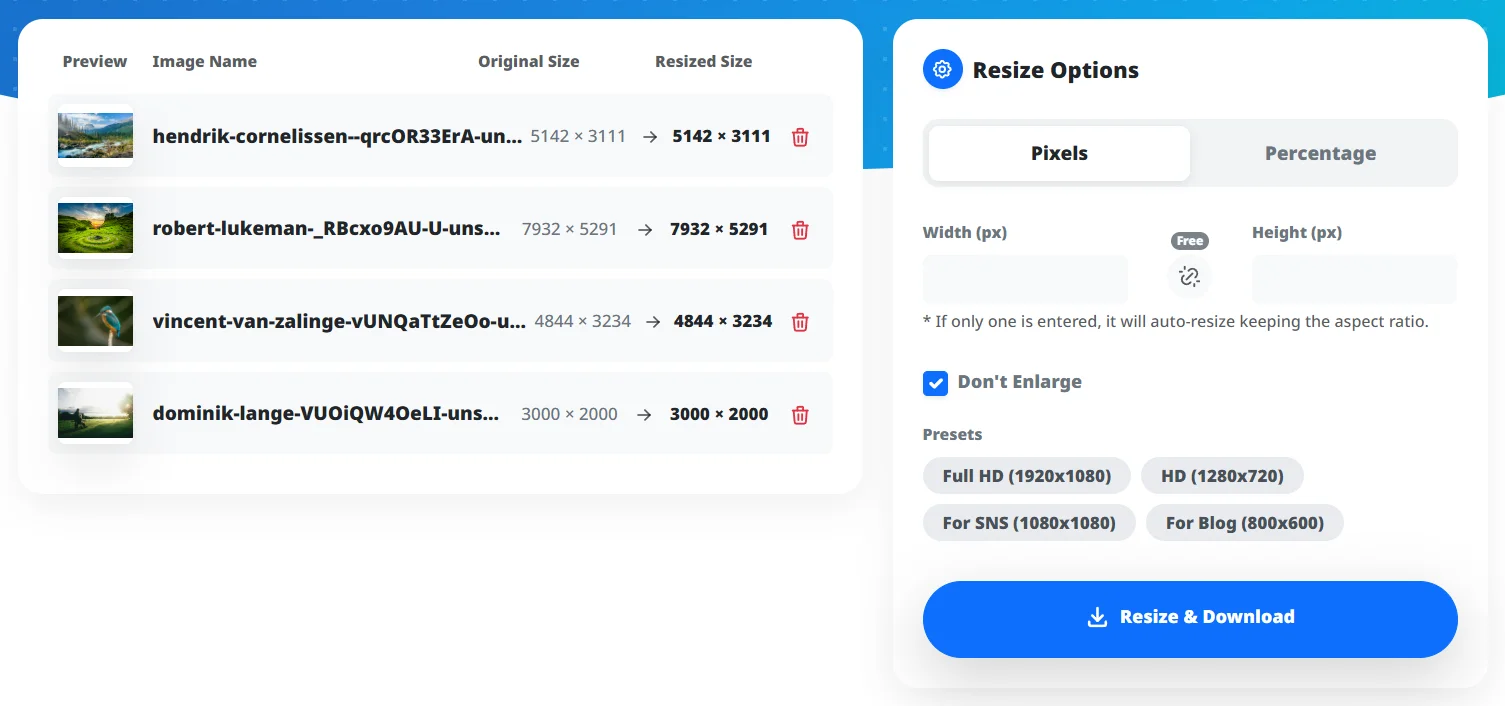
Download Images
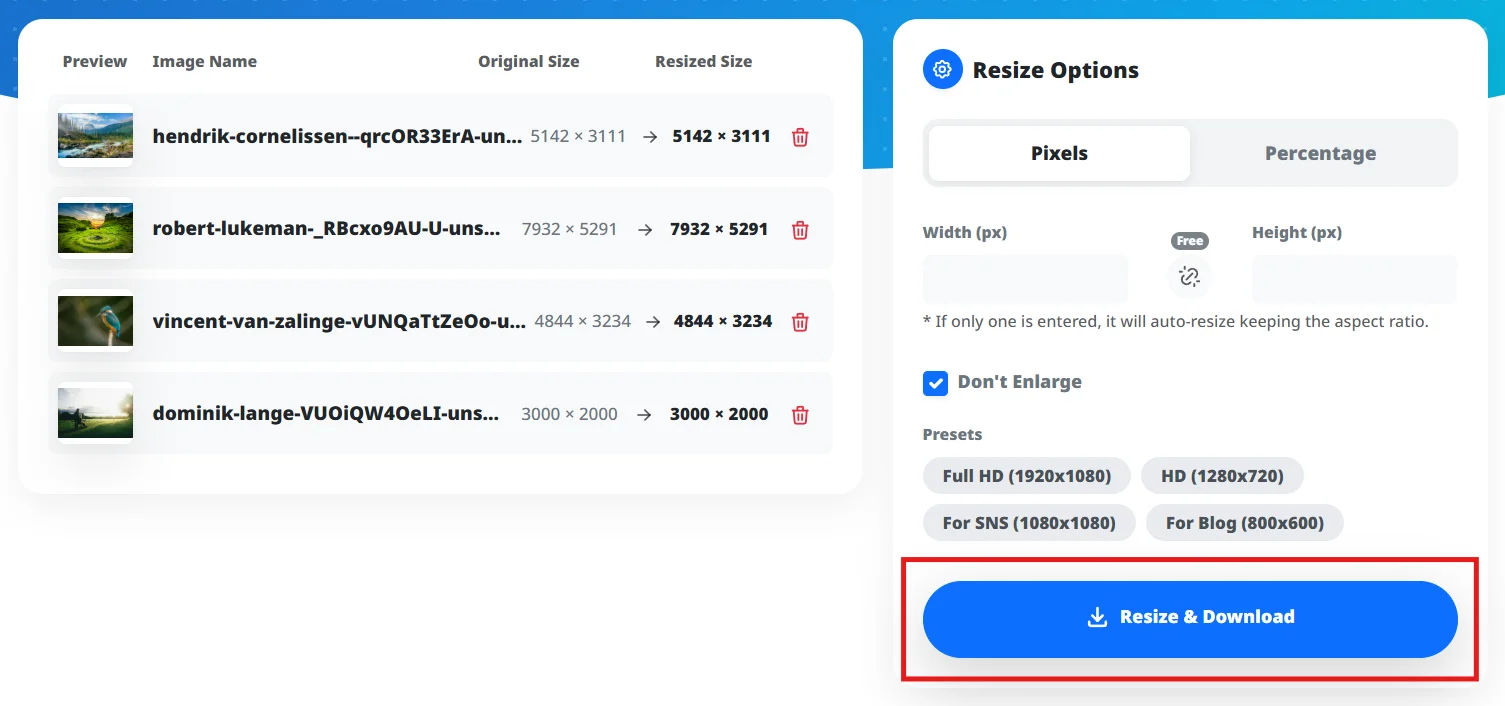
Preview the resized images and click the "Resize & Download" button.
If you resized multiple images, they will be automatically downloaded as a ZIP file. Single image conversions will be downloaded in their original file format.
Free, no registration, and no installation required
Batch resize multiple images and download them as a ZIP file
Supports various image formats: JPG, PNG, WEBP, GIF, JFIF, BMP, etc.
"Don't Enlarge" option ensures only shrinking for optimal image size
Runs in your browser (Windows, Mac, Linux). Images are not uploaded to a server.
Automatic aspect ratio preservation and enlargement prevention options
Batch Resize Photos and Images
Optimize Image Sizes for Social Media
Bulk Resize Blog Article Photos
Efficiently Shrink Large Numbers of Images
Resize Images Online Without Apps
Can I resize multiple images at once?
Is this tool free?
What image formats are supported?
Will the images be enlarged?
Is there a size limit for image uploads?
Can I resize images from my iPhone or Android?
What happens to the image quality? Will it degrade?
Can I resize images without installing any software?
Need to resize images in bulk without installing anything? This tool handles all of that — works on Windows, Mac, and mobile browsers alike.
Try it now — resize images in seconds.
Need to resize images in bulk without installing anything? This tool handles all of that — works on Windows, Mac, and mobile browsers alike.