Image Combine Tool
A free, browser-based tool to combine photos and images. Merge multiple pictures into one from your PC or smartphone—no software or app installation needed.
Combine multiple photos and images into one
Merge multiple photos vertically, horizontally, or in a grid with this free online tool.
Drag and drop to reorder images, then download the result. Works in your browser on iPhone, Android, Windows, and Mac — no app installation needed.
Images are combined at full quality without compression, and different-sized photos are automatically aligned. Adjust margins and borders for social media posts, blog content, and more.
Upload Images
Add images you want to combine by dragging and dropping them, or use the "Select Files" button. It supports major image formats like JPEG, PNG, and WebP.
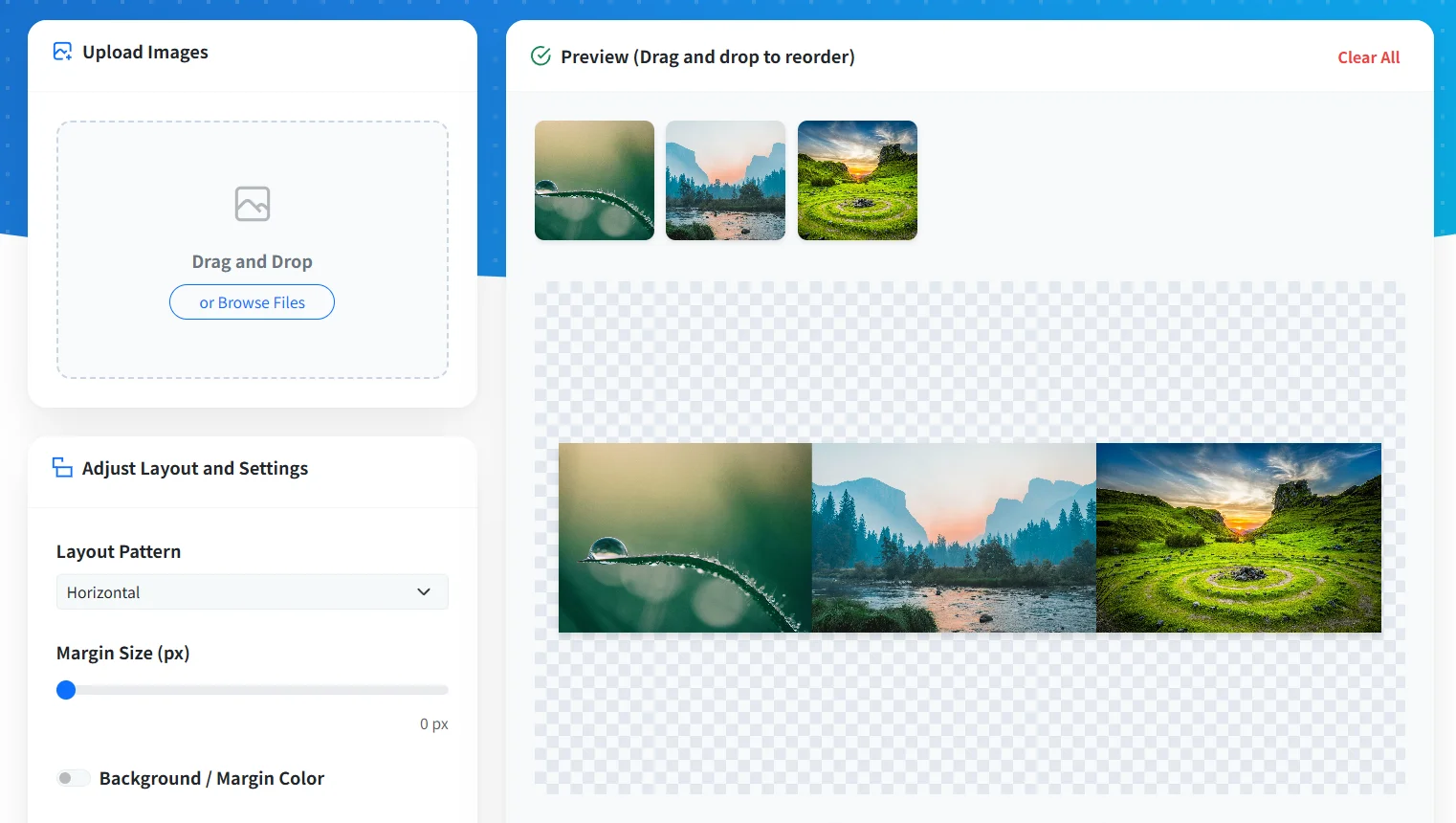
Adjust Layout and Settings
Reorder images by dragging and dropping them in the preview area. Set your combination direction (horizontal, vertical, grid, etc.), margin size, background color, and borders. Even if images have different sizes, they are automatically aligned and resized.
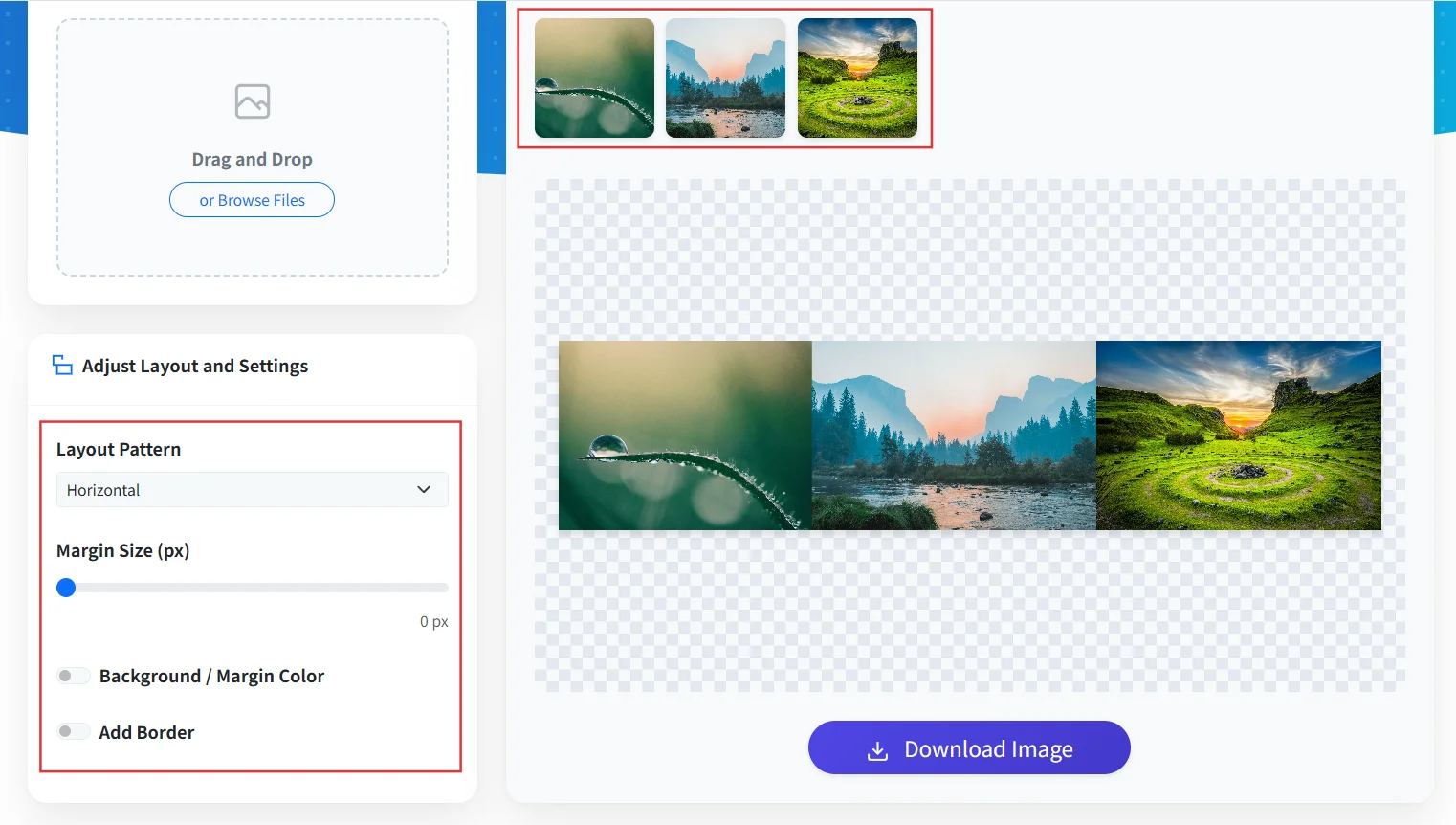
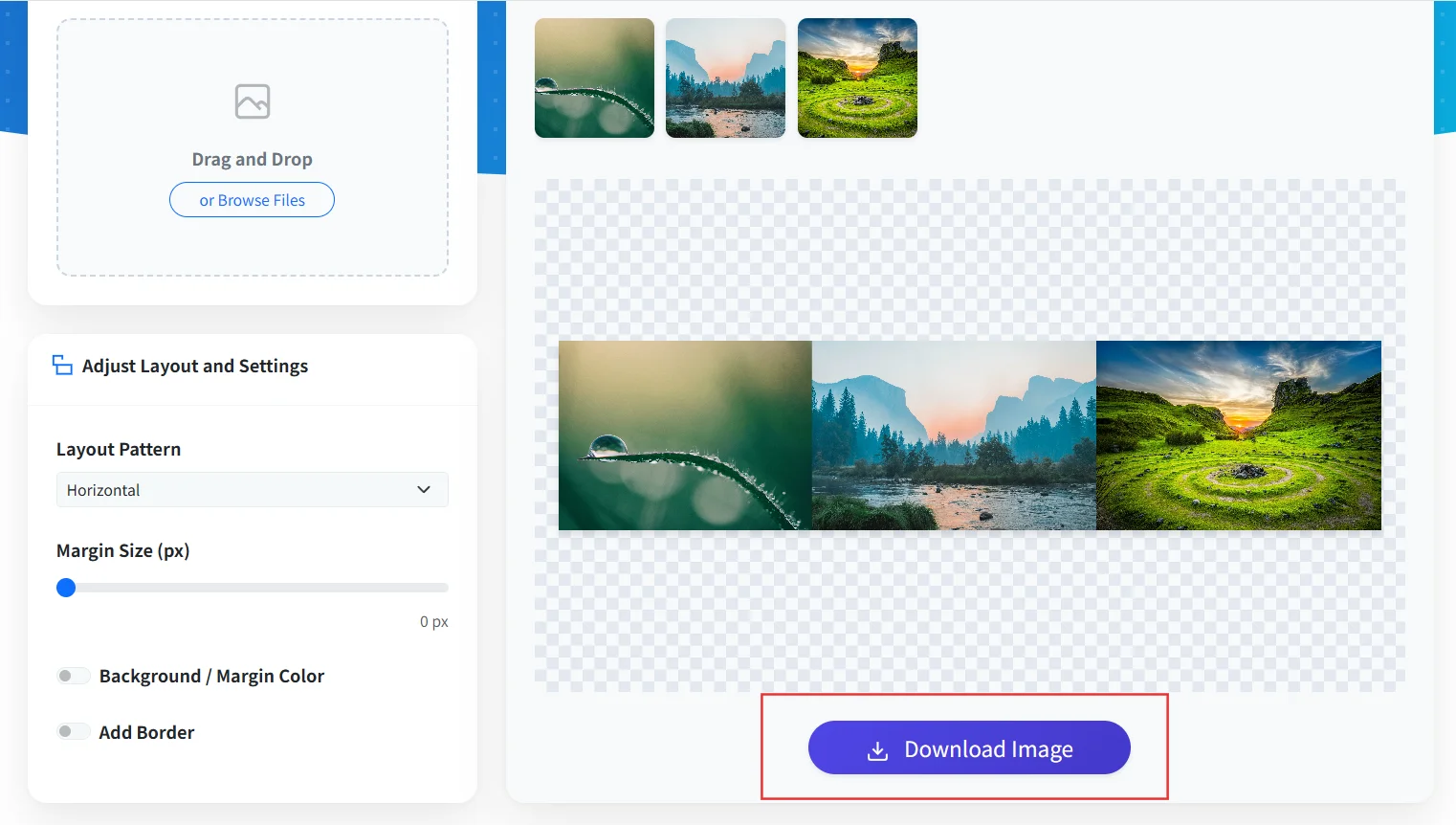
Download Combined Image
Once settings are complete, click the "Download Image" button to save the combined image. Processing is done entirely within your browser.
Versatile Vertical, Horizontal & Grid Layouts
Join multiple photos into one by arranging them vertically, horizontally, or in a grid to suit your needs.
Works on Smartphones & PCs (No Software Needed)
Use it directly from your browser on iPhone, Android, Windows, or Mac without installing any software or apps.
Drag-and-Drop Reordering
Change the layout sequence of uploaded images with simple drag and drop.
Margin & Border Settings
Adjust margin sizes between images and set border colors and widths in pixels.
High-Quality Output
Photos are combined without compression, preserving the original image quality for a clean, sharp result.
Client-Side Canvas Processing
Merge images without compression or quality loss. No account setup or software required.
Safe & Secure Privacy
Your photos and images are never sent to a server; all processing happens securely within your browser.
Combine multiple product or lifestyle photos into single images for Instagram and X.
Display related images neatly side-by-side or stacked vertically in blog and website articles.
Merge multiple images, such as before-and-after shots, into a single image for easy comparison.
Organize multiple figures or charts for presentations and reports by aligning them to the same size.
Combine photos directly on mobile browsers for immediate social sharing.
Is this tool really free?
Are combined images or source photos uploaded to any server?
What image formats are supported?
Is there a limit to the number of images I can combine?
Can I use it on smartphones like iPhone or Android?
Can I save the combined image as a PDF?
Can I combine images without losing quality?
Will there be visible seams between the combined images?
Merge your photos into one — free, no software needed, full quality.