Convert Markdown to Clean, Styled PDF Documents
Convert Markdown text into clean, well-formatted PDF files for free. Works well for engineering specs, manuals, and documentation. See a live preview and download styled PDFs right in your browser.
Create a custom-designed PDF in 3 steps. Style adjustments reflect in the live preview.
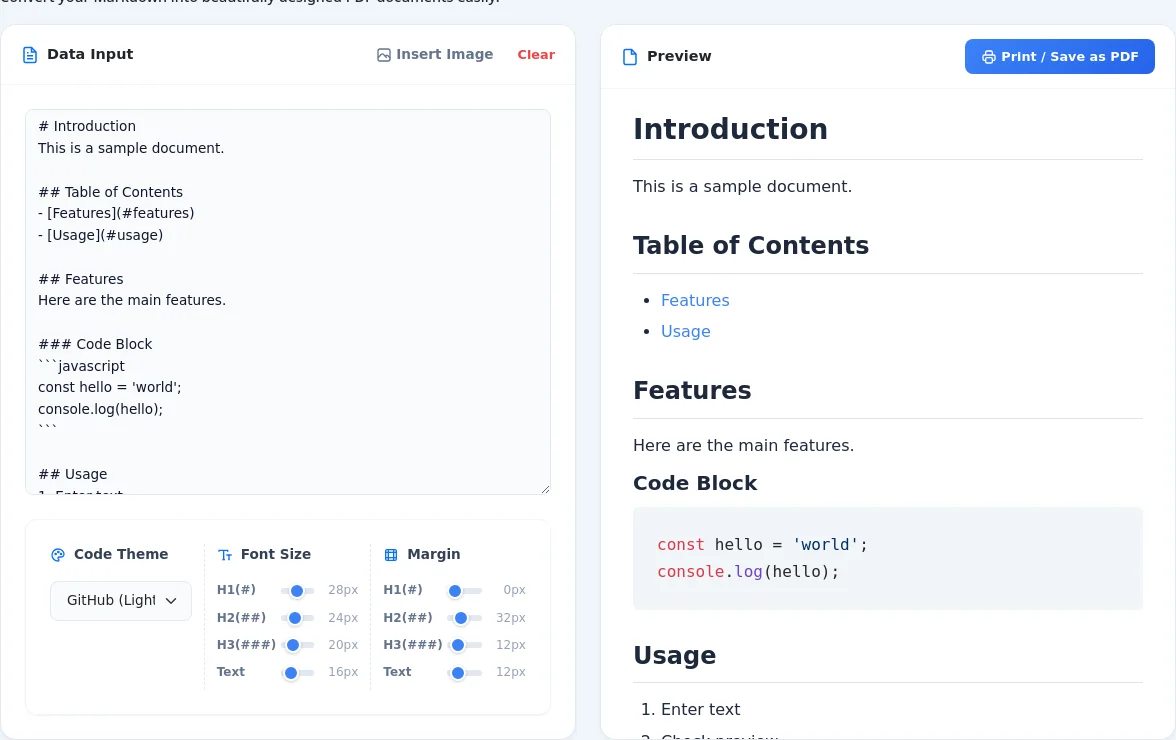
Enter Markdown Text
Type or paste the Markdown text you want to convert into the left input area. The preview on the right will update in real time as you type.
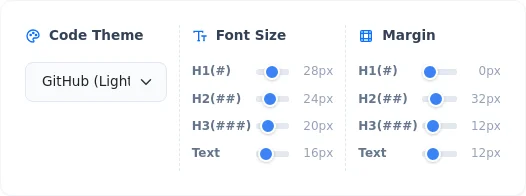
Customize Font Size and Margins
Switch between the "Font Size" and "Margin" tabs, and use the sliders to adjust the styles for headers (H1, H2, H3) and body text to create a clean, readable layout.
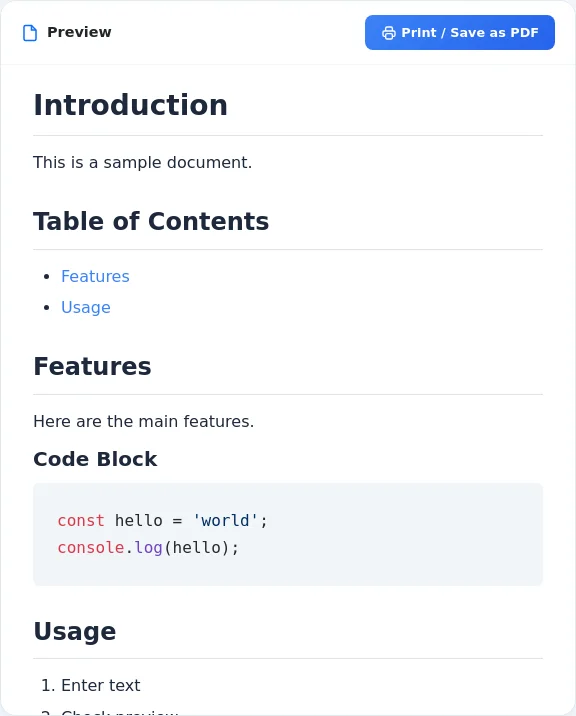
Download as PDF
Once you are satisfied with the layout in the preview, click the "Convert to PDF & Download" button at the bottom. Your customized PDF will be saved to your device in seconds.
No Installation, Completely Free
Works entirely in your browser. No need for dedicated PDF software or account registration.
Real-Time Preview
Changes to text and styles update in the preview immediately, eliminating trial and error.
Advanced Style Adjustments
Individually configure font sizes and margins for different headers (#, ##, ###) and body text.
Secure Local Processing
Your confidential text and generated PDFs are processed locally in your browser and never sent to any server.
Multi-Device Support
Use the tool across desktop browsers, smartphones, and tablets.
Clean & Professional Output
No watermarks or advertisements are inserted, ensuring a clean PDF ready for business use.
Code Themes & Print Background Colors
Toggle between light and dark themes. Configured code block styles and background colors are cleanly preserved in the output PDF.
PDF Output with Preserved In-Page Links
In-page links, such as table of contents links, remain clickable even after the PDF is exported.
Secure Local Image Insertion
Insert local images into your Markdown and compile them into the output PDF without uploading files to any server.
Compiling Technical Specs & Architecture Docs
Turn Markdown specification documents and system architecture notes into readable PDF deliverables for clients and team reviews.
Formatting Release Manuals & Handbooks for Print
Compile multi-section Markdown articles and user guides into paginated, printable PDF handbooks with custom typography.
Archiving Confidential Meeting Notes Locally
Convert sensitive internal meeting minutes to PDF without transmitting text across external servers.
Design Enthusiasts
Fine-tune typography beyond what standard Markdown exporters allow.
Students & Researchers
Format Markdown notes or reports into clean PDFs for submission.