URL Extractor & Structure Analyzer
A free tool to break down URLs into components and view domain, path, query, and more at a glance.
URL Extractor & Structure Analyzer
Extract and analyze URLs directly in your browser. Break down multiple URLs into components including protocol, domain, path, and query parameters. Bulk parse URLs and export organized data to CSV for SEO and analytics.
Extract URLs from text and analyze their structure in just 3 simple steps.
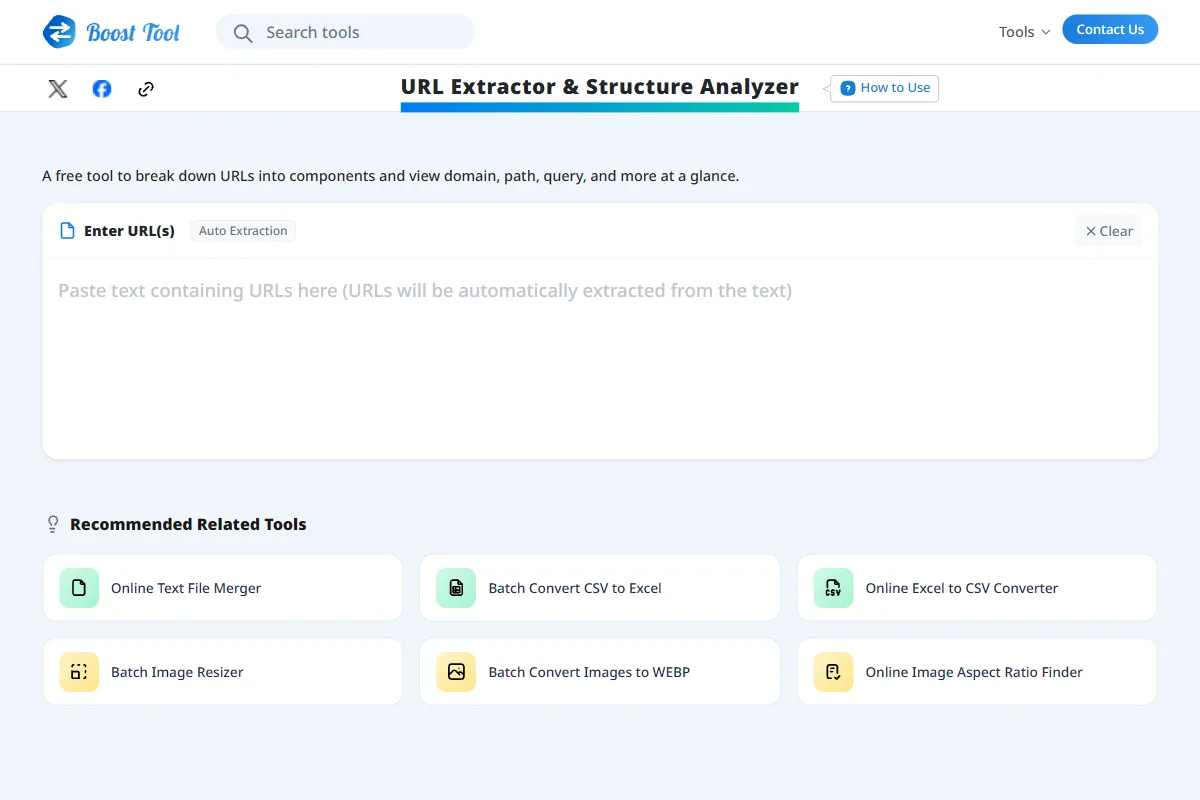
Enter URL or Text (Auto Extraction)
Paste a URL or any text containing URLs into the input area. The tool will automatically detect and extract the URLs, analyzing them in real-time. You can also paste multiple URLs separated by newlines for bulk processing.
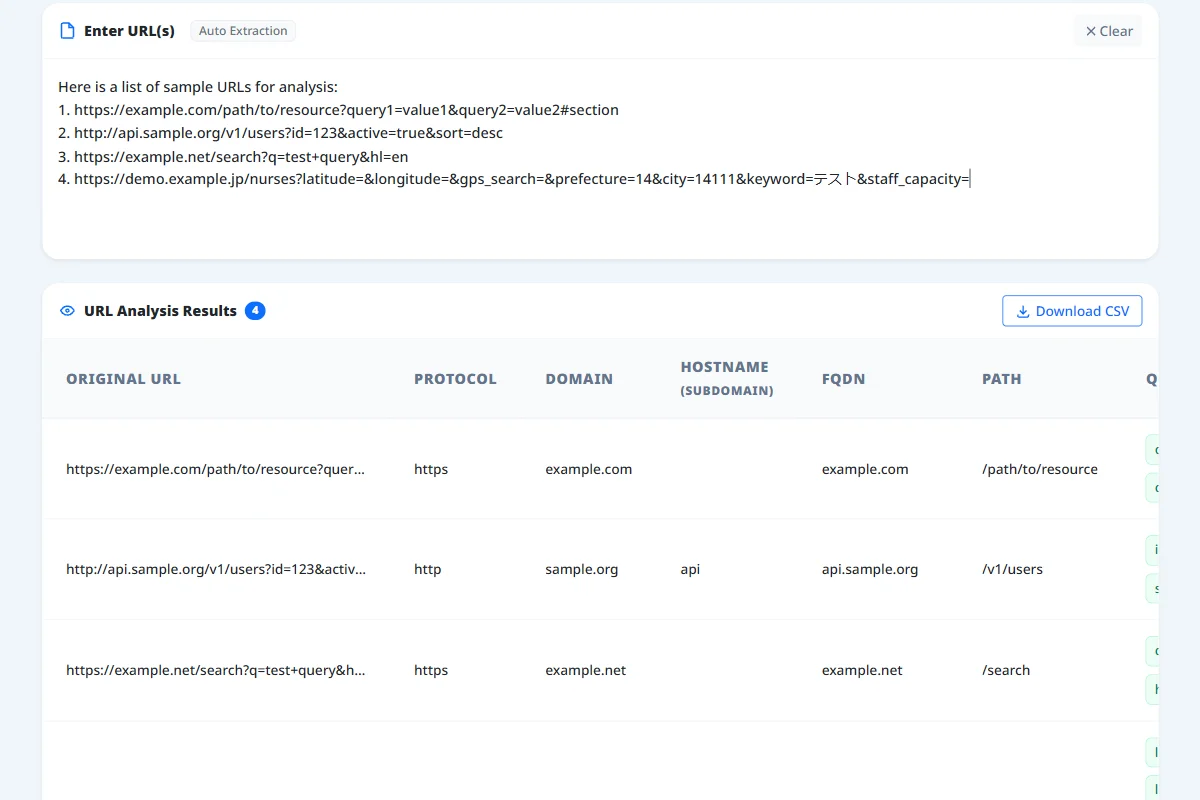
View Analysis Results
Extracted URLs appear in a clean table. Domains and paths are shown alongside query parameters (?key=value) split into readable "key-value" badges, so you can check each parameter at a glance.
Download as CSV
The entire analysis table can be downloaded in CSV format. Keep the data extracted from large volumes of URLs locally for easy management and analysis using Excel or spreadsheets.
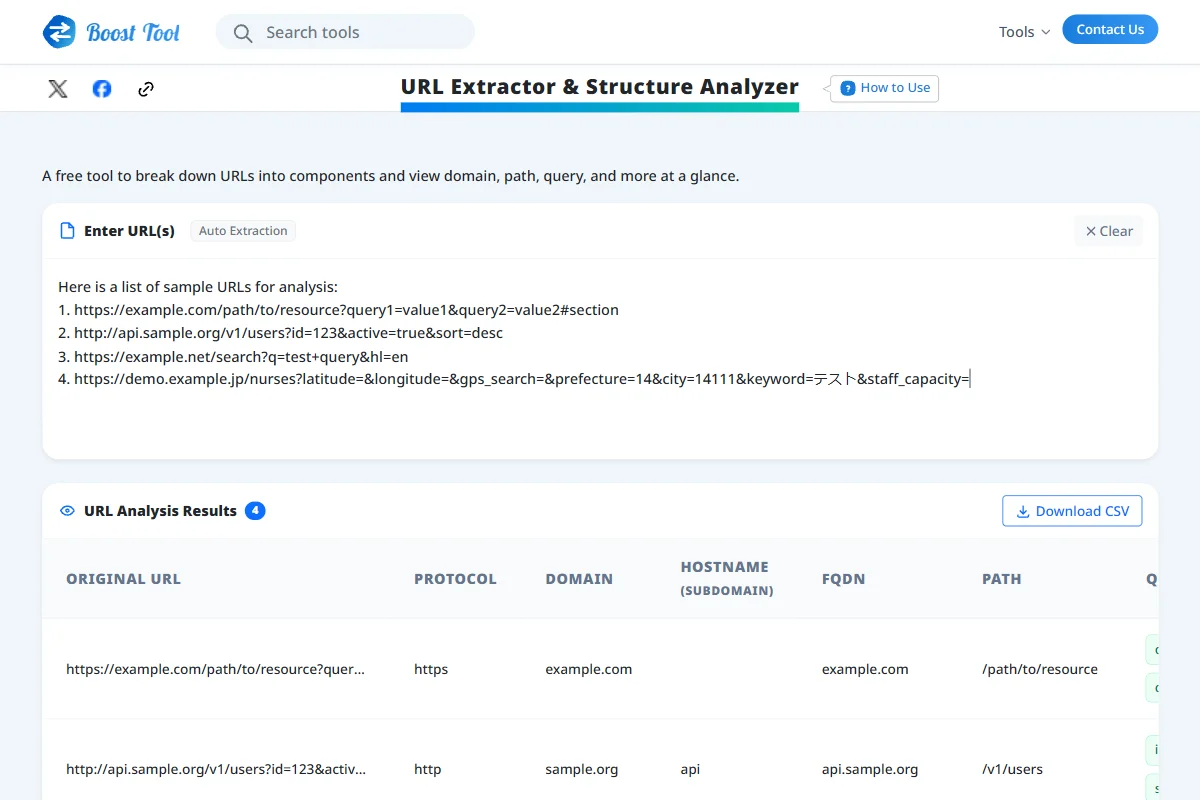
Auto URL Extraction from Text
Paste raw text, and the system will automatically find, extract, and list all the URLs contained within it.
Intuitive Parameter Badges
Long and complex query parameters are automatically split and displayed as intuitive key-value badges for quick readability.
Bulk Analysis & CSV Export
Process large lists of URLs directly in your browser. Download the parsed data as a CSV file with a single click for efficient data management.
Real-Time Processing
Extraction and analysis are completed the moment you paste your text. No reloading or waiting time required.
Completely Free & No Registration
Use the tool directly in your browser without installation or account registration.
Verifying FQDNs & Subdomains during Debugging
Check hostnames, FQDNs, and query parameters during API integration or redirects.
Auditing UTM Tracking Parameters across URL Lists
Inspect UTM tags, campaign parameters, and URL canonicalization across marketing links before running campaigns.
Mapping Multi-Domain Site Architectures
Categorize paths and subdomains across complex domain migrations or legacy sitemaps.